How LastPass works
Access and protect your passwords on the go
It’s simple. You remember your vault password. LastPass remembers the rest.
Free trial for all plans available. No credit card required.

Get to know the basics of LastPass
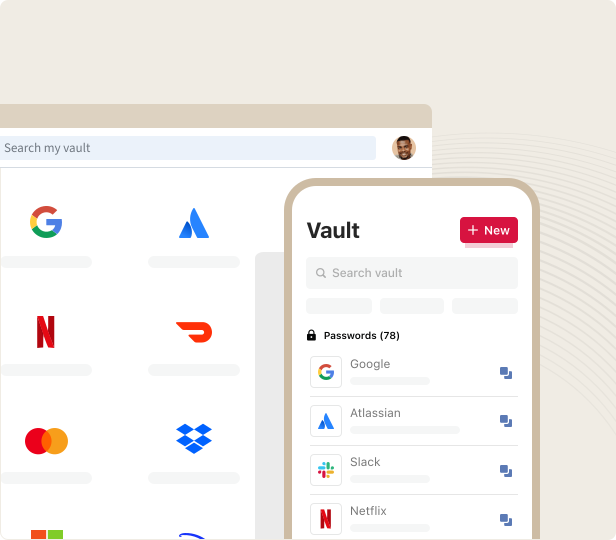
1. Create your secure, encrypted vault
LastPass creates an encrypted vault for you to store your login credentials in. Your vault is decrypted by your Master Password, which only you know.
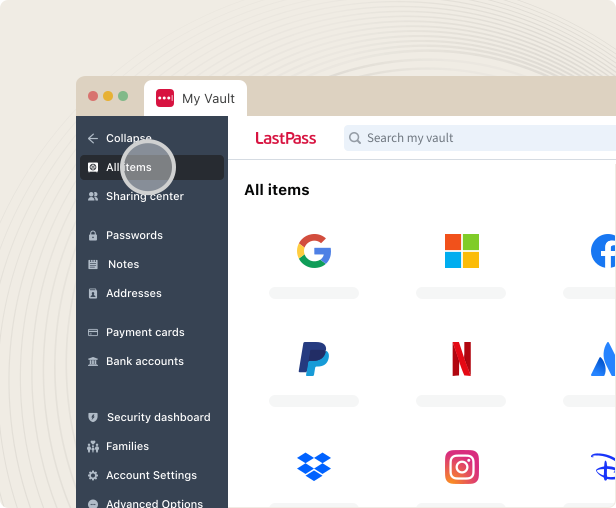
2. Save and autofill with one touch
When you create or update credentials, LastPass saves them to your encrypted vault. The next time you go to log in, LastPass will autofill them for you.
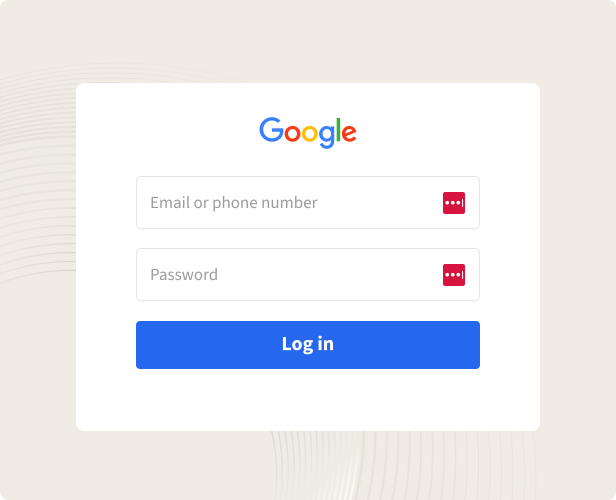
3. Generate strong passwords
The built-in LastPass password generator creates random, unique passwords for you whenever you need to change or update an old one or create a new one.
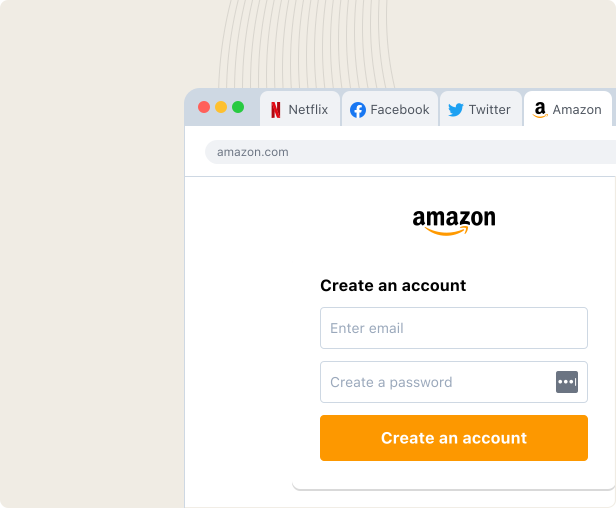
Go beyond the basics and strengthen your security
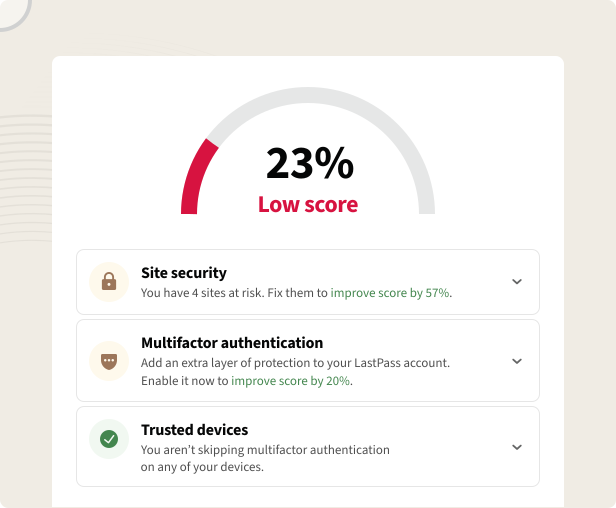
4. Monitor your accounts’ digital health
Control your security habits – evaluate password health, monitor accounts for breaches, enable multifactor authentication – all from the LastPass security dashboard.
5. Synchronize passwords across devices
When a password is saved or updated on one of your devices, it is synchronized across all of them. You’re never limited to using a specific browser or device.
6. Securely share passwords
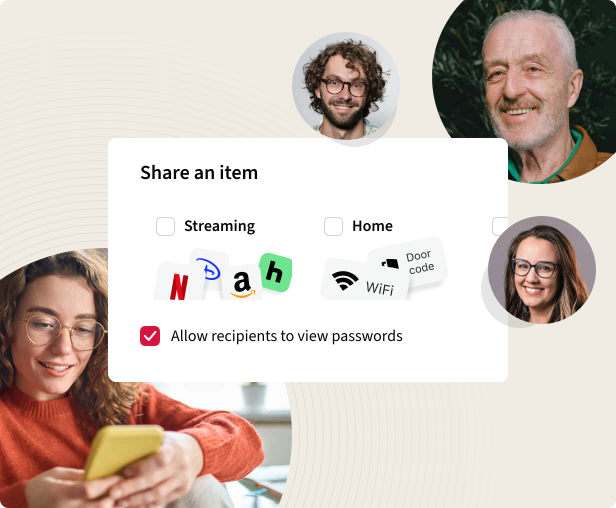
LastPass allows you to securely share passwords, files, and sensitive documents while maintaining control over your data, who has access, and what data they have access to.
Manage every password in your business, too
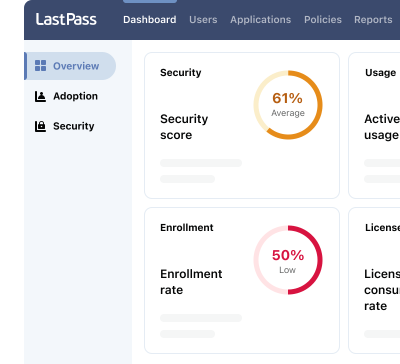
Data breaches are expensive. Take control of your organization’s password and security habits. The LastPass Business password manager helps you increase employee and admin cybersecurity practices at work and at home.
Designed to prioritize privacy and security

Your data is for your eyes only
Your data is kept secret, even from us. Your passwords, secure notes, and security reports are never visible to anyone but you.

Encryption experts trust
LastPass protects your data by using AES-256 data encryption for vaults and SSO plus PBKDF2 hashing with SHA-256 salting for authentication.

Inaccessible to everyone but you
Your Master Password is the only key that unlocks your password vault. You can even add more authentication methods to further protect your vault and data.
Access passwords on all your devices


LastPass desktop applications
- Windows
- Mac
- Linux
- Web vault

Choose a plan that works for you
Try it for free, no credit card required.
Teams
Simple credential management for small teams and startups
For your small business or team:
-
Admin console to manage users
Admin console to manage users
Simple, unified control over your company's security, data breaches, accounts and policies from a single command center.
-
Shared folders
Shared folders
Share passwords and data in organized folders while controlling access through customizable permissions to ensure team members have the appropriate level of access and enhance collaboration and security.
-
Essential security policies
Essential security policies
Configure policies around security levels and password strength to ensure optimal protection.
Business
Effortless password and access management for small and medium-size businesses
Everything in Teams, plus:
- 100+ advanced security policies
-
LastPass Families for employees
LastPass Families for employees
Extend the convenience and protection of LastPass to your employees' families to reduce the risk of compromised personal accounts affecting workplace security. Each employee gets a personal LastPass account plus 5 licenses to share with family and friends.
-
Group user management
Group user management
Import or create groups to efficiently organize employees, optimize shared credentials, and establish group-specific policies, ensuring tailored security and access for every team.
Business Max
Advanced protection and secure access for any business with more admin control
Everything in Business, plus:
-
AI Monitoring & Protect
AI Monitoring & Protect
Discover AI tools used across your organization, govern access and usage, and enforce safe-prompt policies to reduce risk.
-
SaaS Monitoring & Protect
SaaS Monitoring & Protect
Get visibility into the apps used across your organization, identify security and spending risks, and take action to govern access and credential risks.
-
Web Monitoring & Protect
Web Monitoring & Protect
Gain visibility into website usage and enforce smarter access rules to reduce risk and costs.
-
Unlimited number of SSO apps
Unlimited number of SSO apps
“Unlimited SSO” adds Single Sign-On (SSO) to an unlimited number of apps, in addition to the three included in the base Business plan.
-
Advanced MFA capabilities
Advanced MFA capabilities
“Advanced MFA” extends passwordless authentication to all endpoints – workstations, VPNs, identity providers – by combining biometric and contextual policies.
Premium
Individual plan that ensures secure password management across all your devices
For personal use across devices:
- Save unlimited passwords
-
Access on all devices
Access on all devices
LastPass has two accessible device types: computer (all browsers running on desktops and laptops) or mobile (mobile phones, smart watches, and tablets).
-
Save and autofill
Save and autofill
Automatically save and autofill your passwords and forms, so you never have to type and remember them.
Families
Keep your household’s logins secure and always within reach at home or on-the-go
Everything in Premium, plus:
-
6 Premium accounts for yourself and your parents, kids, roommates, friends, and whoever else you call family
6 Premium accounts for yourself and your parents, kids, roommates, friends, and whoever else you call family
Give each “Families” plan member an independent, encrypted password vault to safely store passwords, that no one – not even a family admin – can access.
Plus
Individual plan with everything you need to stay secure and browse privately. Password management and LastPass VPN in one plan.
Everything in Premium, plus:
-
LastPass VPN
LastPass VPN
LastPass VPN runs in a separate app using your existing LastPass account.
- Up to 10 devices and unlimited usage for VPN
- Private browsing on public Wi-Fi
- Hide your IP address and online activity
-
Windows only
Windows only
LastPass VPN is available on Windows only. Support for macOS, iOS, and Android is coming soon.
Contact Sales team to request a demo, learn about admin and end user features and see how LastPass solutions fit your business needs.
*Applicable taxes will be applied at checkout.
Frequently asked questions
LastPass is a password management tool that allows users to store, secure, and autofill their passwords. With LastPass, you only need to remember one password, your Master Password, which is the key to the rest of your login credentials – stored in a personal, encrypted password vault.
LastPass goes beyond just password storage, though. It can generate strong passwords for you, monitor and assess your password behavior, provide multifactor authentication options, and automatically synchronize passwords across all modern browsers and mobile operating systems.
LastPass offers a free trial for all of our paid plans. Trials include all the features of the plan; moreover, there is no payment required when signing up for your trial, so you can begin saving, storing, and sharing passwords without having to take out your credit card.
Trials for personal and business plans differ in length:
- LastPass Premium and Families trials last 30 days.
- LastPass Teams and Business trials last 14 days, and they include 10 licenses to allocate to other users.
At the end of the trial, you will be asked whether you’d like to pay to continue using the premium plan. If you choose not to, your account will convert to a LastPass Free plan. You will not lose any of your stored data or passwords; you will just not be able to use any of LastPass’ premium features.
- Create a LastPass account. You need to decide whether you are using LastPass to protect yourself, your family, or your business. Just choose the right option on the pricing page, click "Start a trial," and this will create your account.
- When creating your account, you must create a Master Password, the only passkey which decrypts your vault and allows access to your personal, family, or business admin console. Make sure it's complex yet memorable to you.
- Install and log in to LastPass on the browser/device of your choice. LastPass has extensions for all popular browsers and supports Android/iOS devices and desktop apps.
- Import your existing passwords from other password managers or files into your encrypted vault.
- Next time you have to fill out a form or input your credentials, LastPass will autofill them for you. For new accounts, LastPass will automatically propose a strong, unique password to keep your account safe.
- For more information on generating strong passwords, sharing passwords with fellow LastPass users, setting up multifactor authentication, and getting started with LastPass, please check our Support Center.
Your device encrypts and hashes your passwords locally using your email and Master Password. This encrypted and hashed data is sent to LastPass servers (it is never stored in its plaintext form).
The next time you log in to your LastPass vault using your Master Password (your decryption key), LastPass returns all your encrypted passwords, which are automatically decrypted locally on your device.
LastPass is built on a zero-knowledge encryption method, which ensures you are the only person who knows your Master Password – the key used to decrypt your password vault. Because of this, it is never stored on our servers, so only you will ever know your plaintext Master Password.
To break it down in more detail: LastPass uses 256-bit AES encryption/decryption and PBKDF2 derivation function with a secure hash (SHA256), with salting, to transform your Master Password into an encryption key. This key is then converted into an authentication hash.
The authentication hash then authenticates your identity by making sure the plaintext Master Password input while logging in to your vault matches the derived authentication hash stored on our server. By going through these encryption and hashing methods, your Master Password and sensitive vault data remain unknown to anyone but you.