Feature
Get passwords off paper and into your vault
Secure access starts with secure credentials. Use the Mobile Smart Scanner to capture typed or handwritten passwords with your phone and quickly import them into LastPass.
Free trial for all plans. No credit card required.

Start
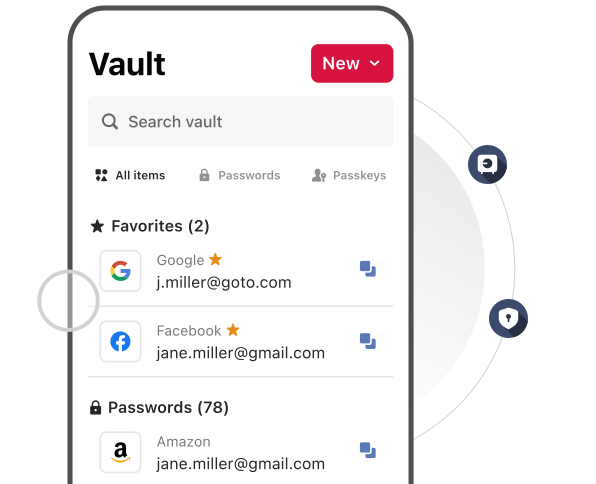
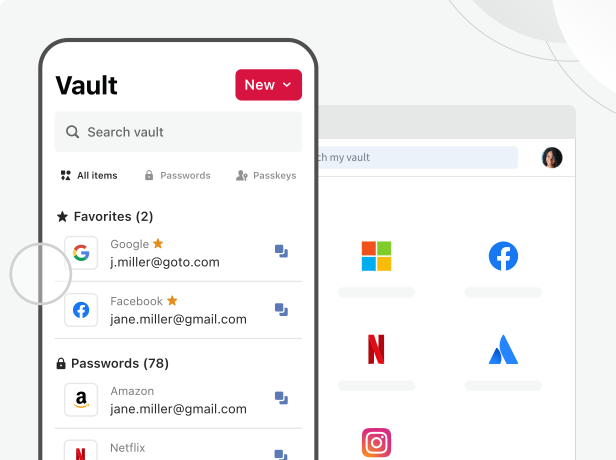
Tap ‘New’ in your vault and choose ‘Scan password.’

Scan
Choose one credential from your notes to capture.

Save
Review the account info and save it in your vault.

Get started faster
Import passwords in minutes and avoid the slow, error‑prone setup of tools that make you type everything by hand.

Bring every credential into one place
Consolidate login info from journals, sticky notes, screenshots, and more into a single, organized vault.

Work flexibly from anywhere
Access essential accounts from any device—no notebooks, no password photos, and no digging through old notes.

Strengthen your security
Reduce the risk of stolen, lost, or exposed credentials by moving passwords off paper and into a secure, encrypted vault.

Trusted by millions, recognized by experts
Millions
Customers secure their passwords with LastPass


Chrome and App Store rating
Based on 79,300+ reviews
100,000+
Businesses choose LastPass


“I like that LastPass is easy to use and intuitive. It integrates well with all websites and allows me to keep secure encryption for all my personal and work-related accounts. It allows me to organize folders, share with others, and only memorizing one master password for all of those while keeping encryption secure is a relief.”

Kenny Kolijn
Independent business coach
“I use LastPass both corporately and personally. It allows me to securely store and share passwords with my family and co-workers in separate environments and happily generates random secure passwords for me, which prevents me from re-using the same one.”

Erik Eckert
System administrator, MPE Engineering Ltd.
“If you deal with other people's information, as my company does, LastPass is a must. We use it to organize sensitive client credentials, which has never failed us. Its level of security offers us flexibility if we have a vendor or team member that needs access but don't want to share the actual password.”

Sarah Perry
Senior Marketing Director, Small businessExplore key LastPass features

Password generator
Create strong, unique, hacking-resistant passwords for new and existing accounts.

Save and autofill
Save a password once and LastPass will autofill it for you the next time you need to log in.

Dark web monitoring
LastPass will immediately alert you if your personal information is found on the dark web.
Frequently asked questions
Scanning happens on your device using built‑in OCR. If you save the password, only the extracted text is added to your vault entry—the image isn’t stored, isn’t used for anything else, and can’t be seen or accessed by LastPass.
Smart Scanner is available in early access for LastPass Free, Premium, and Families customers on iOS and Android. Business availability will come in a later release.
Smart Scanner is rolling out in early access for consumer plans on both iOS and Android. The rolling basis of this mobile release means some customers will see the feature appear before others.
You can scan typed or handwritten passwords from notebooks, sticky notes, or digital notes. Smart Scanner can currently import one credential per scan, with capabilities for multiple credential scanning coming soon.