Why Lastpass
The leader in secure access
LastPass makes accessing what you need online simple. It’s secure, easy to use, and built right into where work happens—the browser. Offering only the essentials, nothing more.
Personal and business plans. No credit card required.
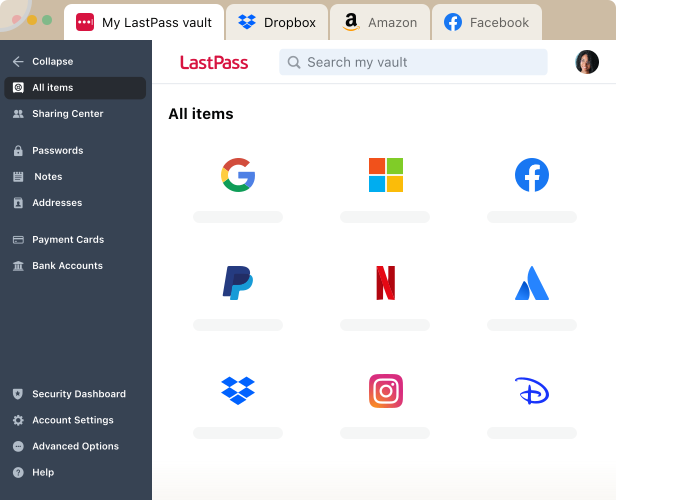
Secure access has never been more important

Credentials are falling into the wrong hands
Poor password habits, unchecked access, and zero visibility—combined with increasingly sophisticated AI‑driven attacks—have fueled a 235% surge in breaches in 2025.

SaaS & AI chaos is draining productivity
With companies now using an average of 106 SaaS apps, teams are drowning in constant access requests, approvals, and oversight. This overload slows work and often leaves employees without the tools they need to do their jobs effectively.

Risks aren't just a tech problem
Human errors are involved in nearly 68% of incidents. Whether it’s typing IP into a sketchy AI tool, creating accounts in unvetted apps, or storing sensitive data in unsecured places, it’s easy to accidentally leak customer or company data.
LastPass is built so anyone can get started fast and stay secure—no steep learning curves or expert knowledge required.
- Consistently recognized on G2 for ease of use, setup, and adoption
- Fast logins, smart autofill, cross‑device sync, effortless imports, and one‑click sharing keep everything moving smoothly
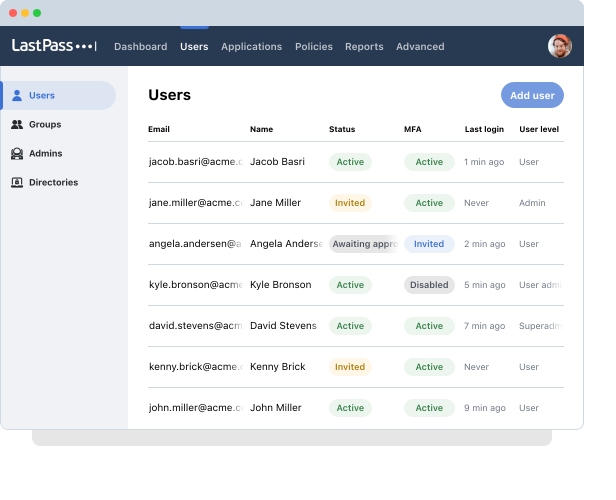
- Clean dashboards, streamlined provisioning, and clear reporting make oversight simple, not stressful
- Easy to roll out, easy to onboard users, and easy to expand as your organization grows
- Centralizes all access control in one place to reduce the costs and complexity of managing multiple tools
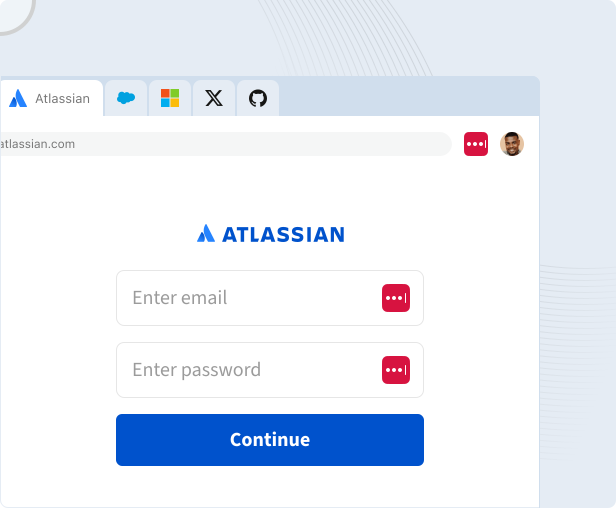
LastPass meets people exactly where they work, so security blends into everyday workflows.
- Works on any device for consistent security whether you're on a laptop, mobile, or tablet
- Built right into the browser for effortless use
- Whether you’re remote, hybrid, or in-office, LastPass is built for modern work
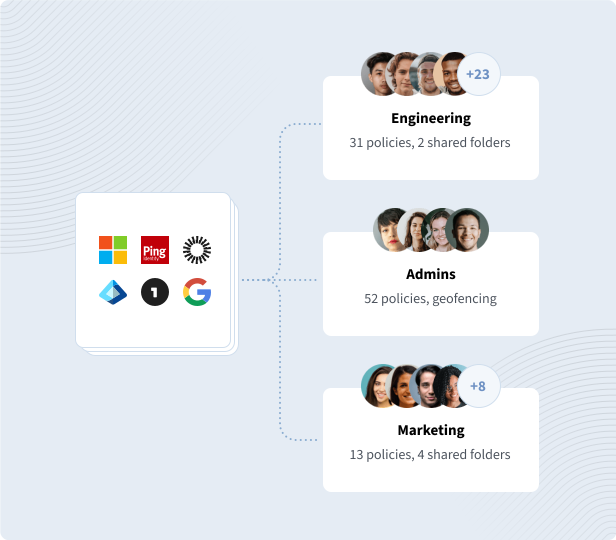
LastPass gives you the essentials without the overhaul—plugging right into what you already use so you can boost security without adding complexity.
- Fits naturally into your existing stack by integrating with IdPs, CASB, and SSPMs
- It rolls out quickly because it’s lightweight and easy to implement, earning recognition from G2 for fastest implementation
- It closes identity gaps by securing access to apps not covered by your IdP
Protect your digital life with built-in security
Zero-knowledge security
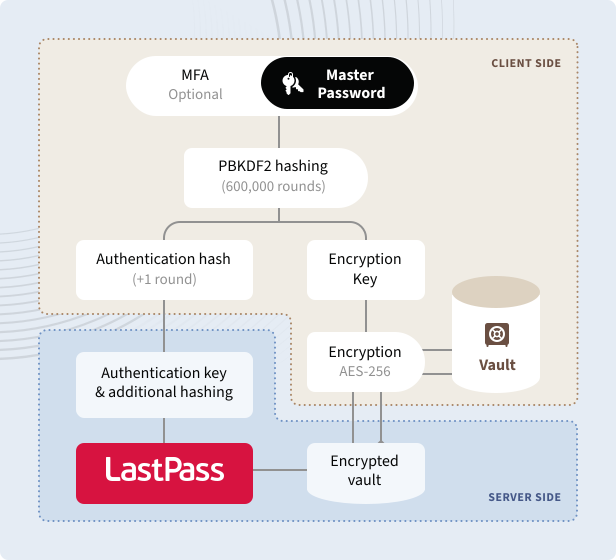
Your data is kept secret, even from us. Your vault is encrypted and decrypted at the device level. Only you can unlock it with your master password.
Nurture your habits
LastPass helps you find and update weak and reused passwords with strong, unique ones created with the LastPass password generator.
Multifactor authentication
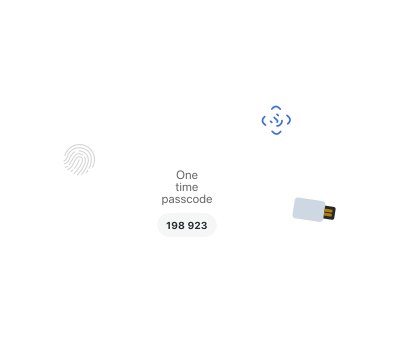
Enable additional authentication, like a one-time passcode or fingerprint scan, to make it nearly impossible for hackers to access your accounts.
Trusted by millions, recognized by experts
Millions
Customers secure their passwords with LastPass


Chrome and App Store rating
Based on 79,300+ reviews
100,000+
Businesses choose LastPass


“I like that LastPass is easy to use and intuitive. It integrates well with all websites and allows me to keep secure encryption for all my personal and work-related accounts. It allows me to organize folders, share with others, and only memorizing one master password for all of those while keeping encryption secure is a relief.”

Kenny Kolijn
Independent business coach
“I use LastPass both corporately and personally. It allows me to securely store and share passwords with my family and co-workers in separate environments and happily generates random secure passwords for me, which prevents me from re-using the same one.”

Erik Eckert
System administrator, MPE Engineering Ltd.
“If you deal with other people's information, as my company does, LastPass is a must. We use it to organize sensitive client credentials, which has never failed us. Its level of security offers us flexibility if we have a vendor or team member that needs access but don't want to share the actual password.”

Sarah Perry
Senior Marketing Director, Small business
Choose a plan that works for you
Try it for free, no credit card required.
Teams
Simple credential management for small teams and startups
For your small business or team:
-
Admin console to manage users
Admin console to manage users
Simple, unified control over your company's security, data breaches, accounts and policies from a single command center.
-
Shared folders
Shared folders
Share passwords and data in organized folders while controlling access through customizable permissions to ensure team members have the appropriate level of access and enhance collaboration and security.
-
Essential security policies
Essential security policies
Configure policies around security levels and password strength to ensure optimal protection.
Business
Effortless password and access management for small and medium-size businesses
Everything in Teams, plus:
- 100+ advanced security policies
-
LastPass Families for employees
LastPass Families for employees
Extend the convenience and protection of LastPass to your employees' families to reduce the risk of compromised personal accounts affecting workplace security. Each employee gets a personal LastPass account plus 5 licenses to share with family and friends.
-
Group user management
Group user management
Import or create groups to efficiently organize employees, optimize shared credentials, and establish group-specific policies, ensuring tailored security and access for every team.
Business Max
Advanced protection and secure access for any business with more admin control
Everything in Business, plus:
-
AI Monitoring & Protect
AI Monitoring & Protect
Discover AI tools used across your organization, govern access and usage, and enforce safe-prompt policies to reduce risk.
-
SaaS Monitoring & Protect
SaaS Monitoring & Protect
Get visibility into the apps used across your organization, identify security and spending risks, and take action to govern access and credential risks.
-
Web Monitoring & Protect
Web Monitoring & Protect
Gain visibility into website usage and enforce smarter access rules to reduce risk and costs.
-
Unlimited number of SSO apps
Unlimited number of SSO apps
“Unlimited SSO” adds Single Sign-On (SSO) to an unlimited number of apps, in addition to the three included in the base Business plan.
-
Advanced MFA capabilities
Advanced MFA capabilities
“Advanced MFA” extends passwordless authentication to all endpoints – workstations, VPNs, identity providers – by combining biometric and contextual policies.
Premium
Individual plan that ensures secure password management across all your devices
For personal use across devices:
- Save unlimited passwords
-
Access on all devices
Access on all devices
LastPass has two accessible device types: computer (all browsers running on desktops and laptops) or mobile (mobile phones, smart watches, and tablets).
-
Save and autofill
Save and autofill
Automatically save and autofill your passwords and forms, so you never have to type and remember them.
Families
Keep your household’s logins secure and always within reach at home or on-the-go
Everything in Premium, plus:
-
6 Premium accounts for yourself and your parents, kids, roommates, friends, and whoever else you call family
6 Premium accounts for yourself and your parents, kids, roommates, friends, and whoever else you call family
Give each “Families” plan member an independent, encrypted password vault to safely store passwords, that no one – not even a family admin – can access.
Plus
Individual plan with everything you need to stay secure and browse privately. Password management and LastPass VPN in one plan.
Everything in Premium, plus:
-
LastPass VPN
LastPass VPN
LastPass VPN runs in a separate app using your existing LastPass account.
- Up to 10 devices and unlimited usage for VPN
- Private browsing on public Wi-Fi
- Hide your IP address and online activity
-
Windows only
Windows only
LastPass VPN is available on Windows only. Support for macOS, iOS, and Android is coming soon.
Contact Sales team to request a demo, learn about admin and end user features and see how LastPass solutions fit your business needs.
*Applicable taxes will be applied at checkout.
Frequently asked questions
LastPass is a password manager tool that allows users to store, secure, and autofill their passwords. LastPass users get a password vault, which is the encrypted part of the LastPass password manager where a user’s passwords, secure notes, and sensitive information are safely stored.
LastPass operates on a zero-knowledge security model, where all encryption and decryption occurs locally on the user's device, not on our servers. Your sensitive vault data is only transferred to LastPass once encrypted and never travels over the internet unencrypted. The same is true for our partnership with Enzoic, our data breach monitoring partner.
Your passwords are never transferred or visible to anyone (because they remain encrypted) – only a hashed version of your email addresses for your vault item entries is provided to Enzoic to monitor it against their database of compromised email addresses. We only share your hashed email addresses with Enzoic, and even then, they are only used to monitor for security breaches.
With LastPass Free, you get all the core features of LastPass – unlimited password storage in your encrypted vault, save and autofill, security dashboard, data breach monitoring, and multifactor authentication. LastPass Premium and Families deepens the password management experience with sync across all devices, one-to-many sharing, 1 GB encrypted file storage, emergency access, and priority tech support.
Once you’ve downloaded the LastPass extension, you can import saved browser passwords (Chrome, Firefox, Edge, Safari, and Opera). Click on the LastPass icon in your browser toolbar and select the red Vault button. Once in your password vault, select Advanced Options from the sidebar and click Import. Then you just choose the source whose data you’d like to download.